INFECTION CONTROL PRODUCT CATALOG
Steam Sterilizers & Infection Control Equipment
Compare Class B and Class N steam sterilizers, chamber capacities, control options and supporting cleaning equipment for professional instrument-reprocessing workflows.
Start with a model comparison, then check chamber dimensions, installation space and the documents for your intended load before requesting a quotation.
14 models
Compare Steam Sterilizer Models
Use this overview to shortlist models. Open the product page to review the complete configuration; confirm options as a package rather than assuming every listed option can be combined.
| Model / capacity | Display & water configuration | What to check |
|---|---|---|
| MAX-8X18 L / 23 L · Class B | Color LCD; button controls | Choose a capacity and request the matching configuration sheet and installation drawing. |
| MAX-9A18 L / 23 L · Class B | Numeric display; button controls. Plastic water tank; air cooling; direct drain / wastewater tank. | Confirm capacity, drainage arrangement and usable chamber dimensions. |
| MAX-23G18 L / 23 L · Class B | Color LCD with separate buttons OR touchscreen controls. Manual filling; air cooling. | Specify the control method and capacity. Both control versions have a color LCD. |
| MAX-23K18 L / 23 L · Class B | Color LCD with separate buttons OR touchscreen controls. Manual filling; air cooling. | Specify the control method and capacity. Compare the exact versions before ordering. |
| MAX-6N8 L / 12 L / 18 L · Class N | Numeric display; button controls. | Request the drawing and manual for the selected capacity; do not transfer dimensions between capacities. |
| MAX-8A18 L / 23 L · Class B | Numeric display; button controls. | Compare the capacity-specific chamber dimensions and model-specific program table. |
| MAX-12A29 L / 45 L · Class B | Color LCD; touchscreen controls. Automatic filling; water cooling. | Provide water-supply and drainage conditions; request the installation requirements. |
MAX-23G and MAX-23K share several listed fields. Those similarities alone do not establish identical internal design, programs or interchangeable parts. Tell RUNDA what difference matters to your purchase and request a comparison of the exact versions.
EXPLORE THE RANGE
Steam Sterilizer Models
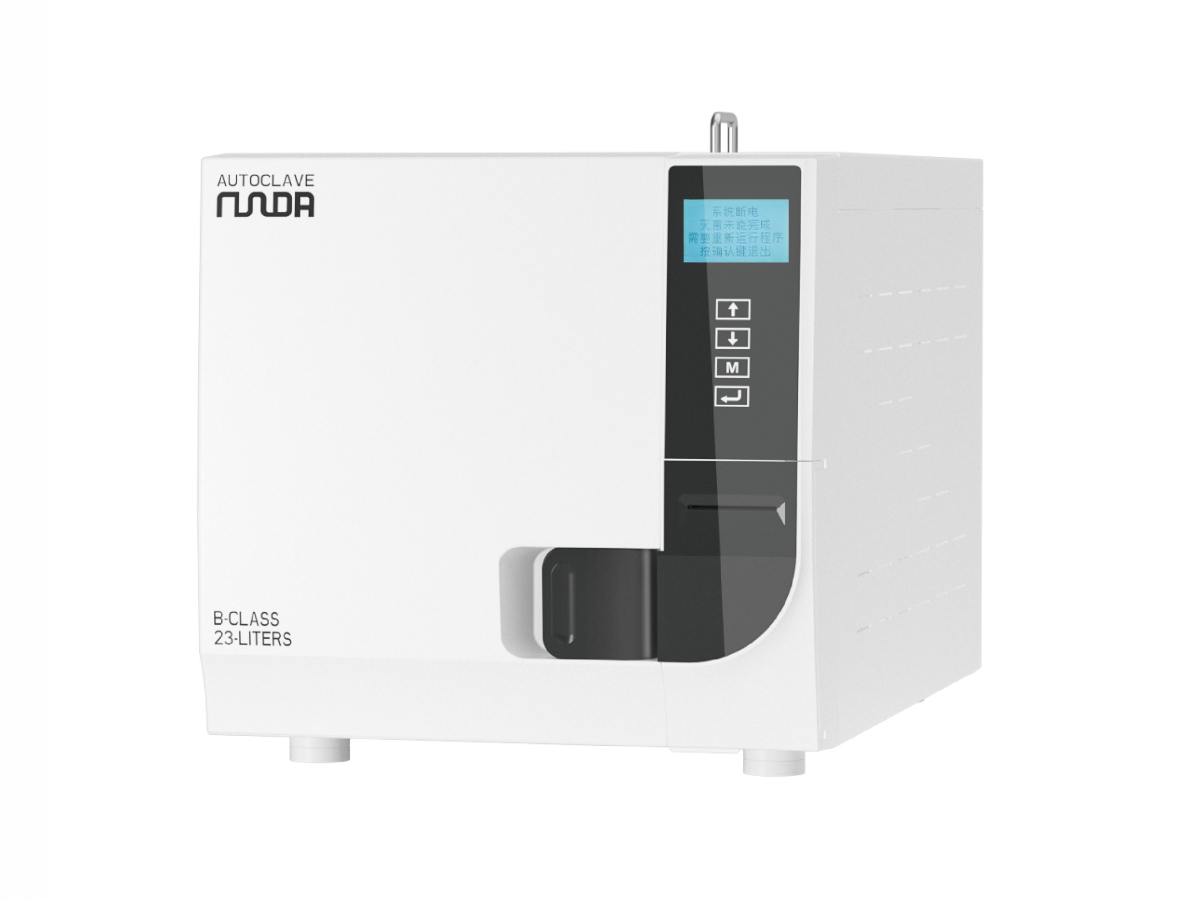
MAX-8X Class B Steam Sterilizer — 18 L / 23 L
Explore MAX-8X 18L and 23L Class B steam sterilizers with a color LCD and button controls. Request configuration details and installation documents.
View 8X Details →Request 8X Information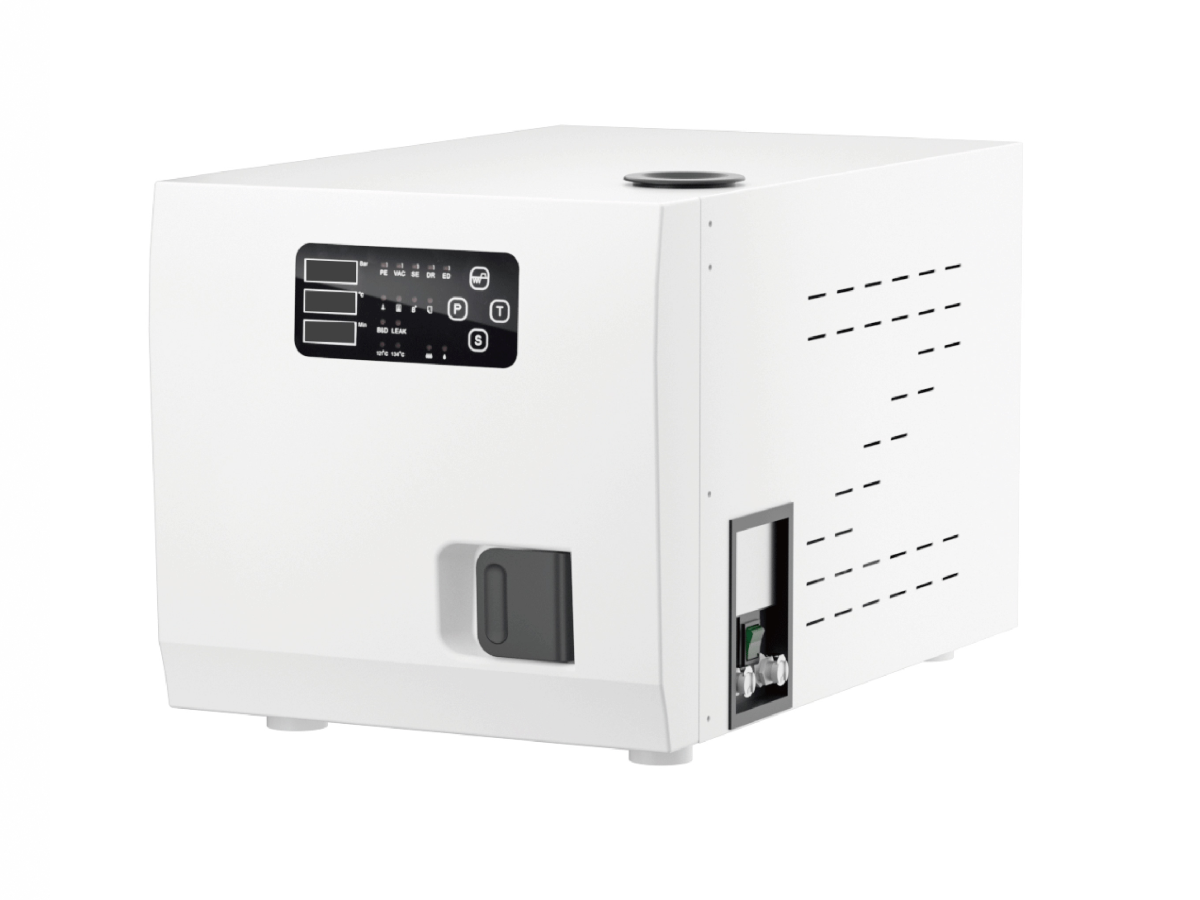
MAX-9A Class B Steam Sterilizer — 18 L / 23 L
Compare MAX-9A 18L and 23L Class B steam sterilizers with numeric display, button controls, a plastic tank and air cooling.
View 9A Details →Request 9A Information
MAX-23G Class B Steam Sterilizer — 18 L / 23 L
Pictured: button-control version
Touchscreen version also available
Compare MAX-23G 18L and 23L Class B steam sterilizers with color LCD, button or touchscreen controls, manual water filling and air cooling.
View 23G Details →Request 23G Information
MAX-23K Class B Steam Sterilizer — 18 L / 23 L
Pictured: button-control version
Touchscreen version also available
Compare MAX-23K 18L and 23L Class B steam sterilizers with color LCD, button or touchscreen controls, manual water filling and air cooling.
View 23K Details →Request 23K Information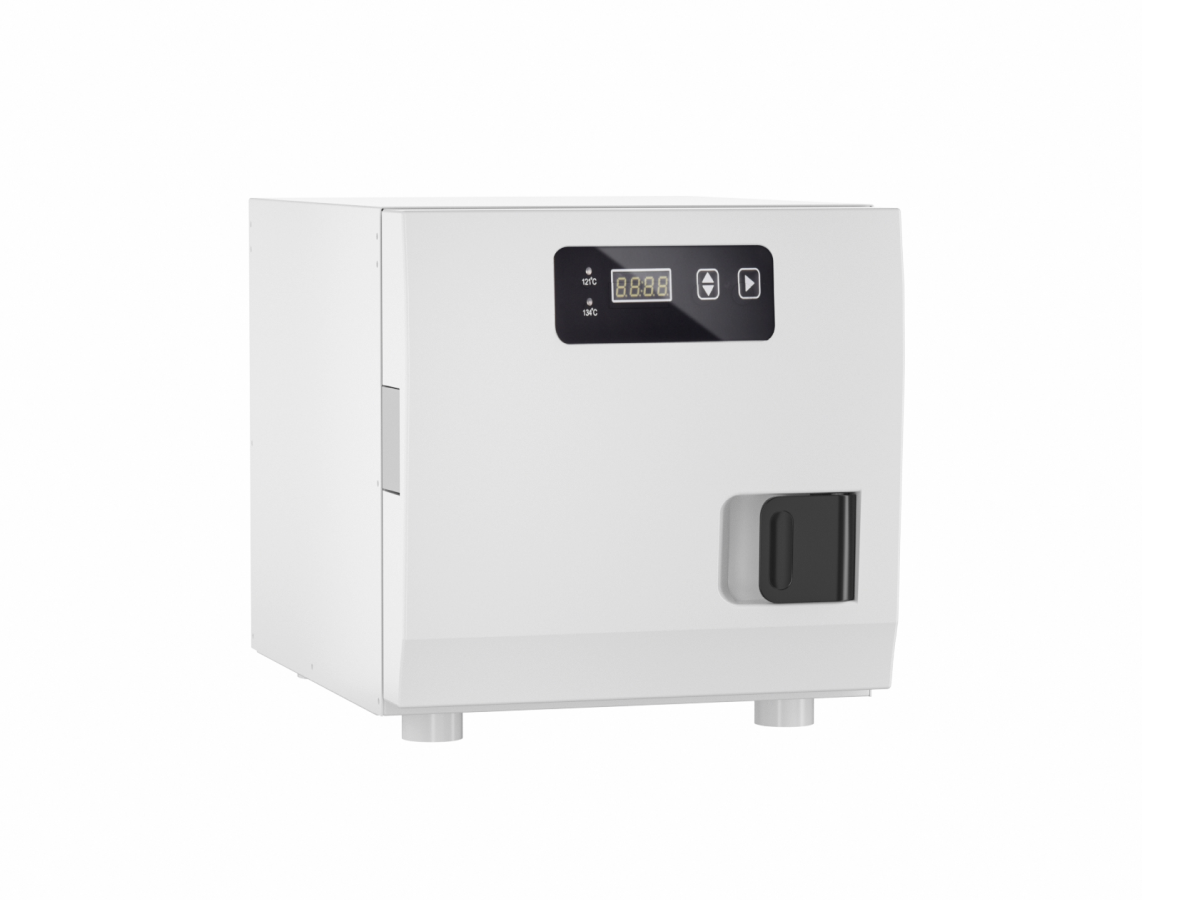
MAX-6N Class N Steam Sterilizer — 8 L / 12 L / 18 L
Compare MAX-6N Class N steam sterilizers in 8L, 12L and 18L capacities with numeric display and button controls. Request capacity-specific documents.
View 6N Details →Request 6N Information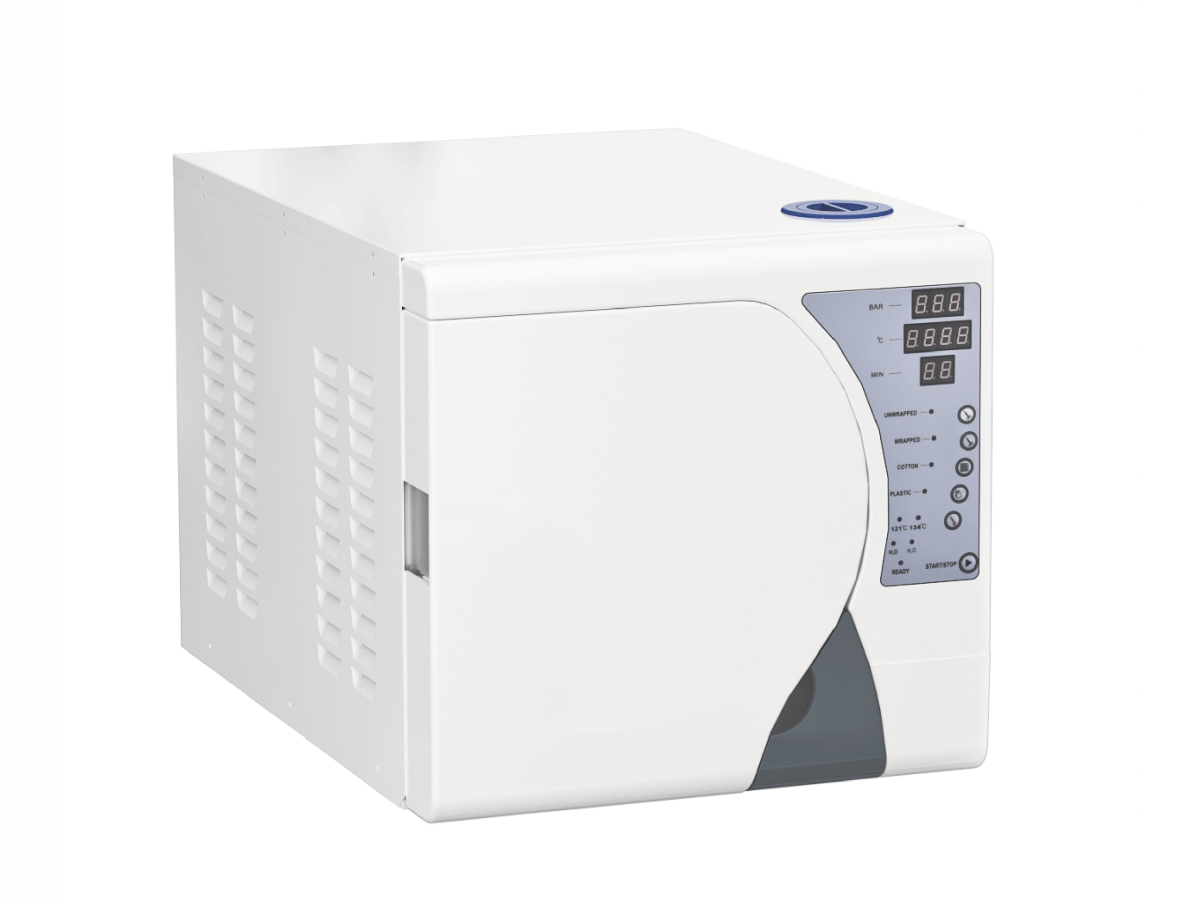
MAX-8A Class B Automatic Steam Sterilizer · 18L/23L
18 L / 23 L chambers with digital controls, water-status alerts and eight component highlights for everyday processing.
View 8A Details →Request 8A Information
MAX-12A Class B Steam Sterilizer — 29 L / 45 L
Explore MAX-12A 29L and 45L Class B steam sterilizers with color LCD touchscreen controls, automatic water filling and water cooling. Request a configuration quote.
View 12A Details →Request 12A InformationEXPLORE THE RANGE
Ultrasonic Cleaners
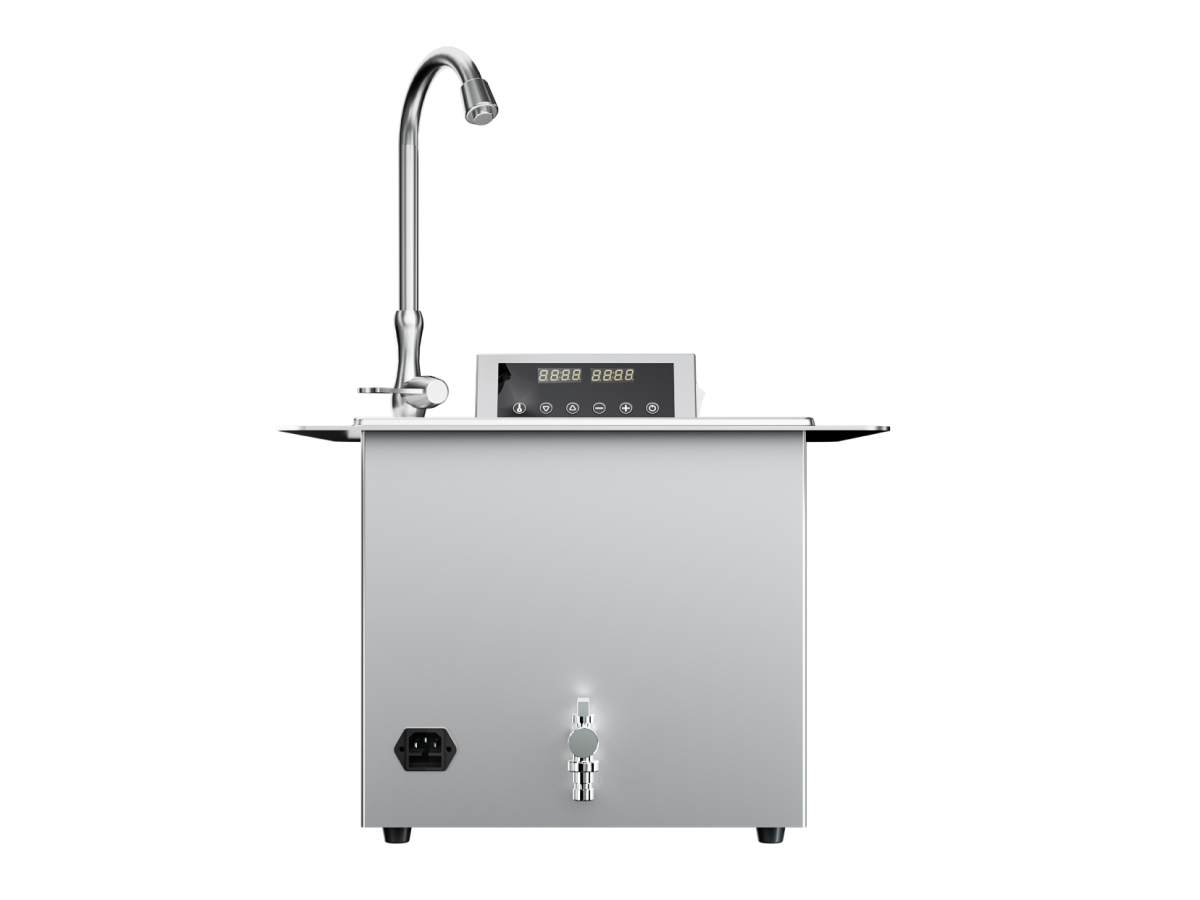
RUN-CQ1300 Ultrasonic Cleaner
13 L ultrasonic cleaner with listed power of 180 W and frequency of 40 kHz. Review usable tank dimensions, basket fit and water connections.
View CQ1300 Details →Request CQ1300 Information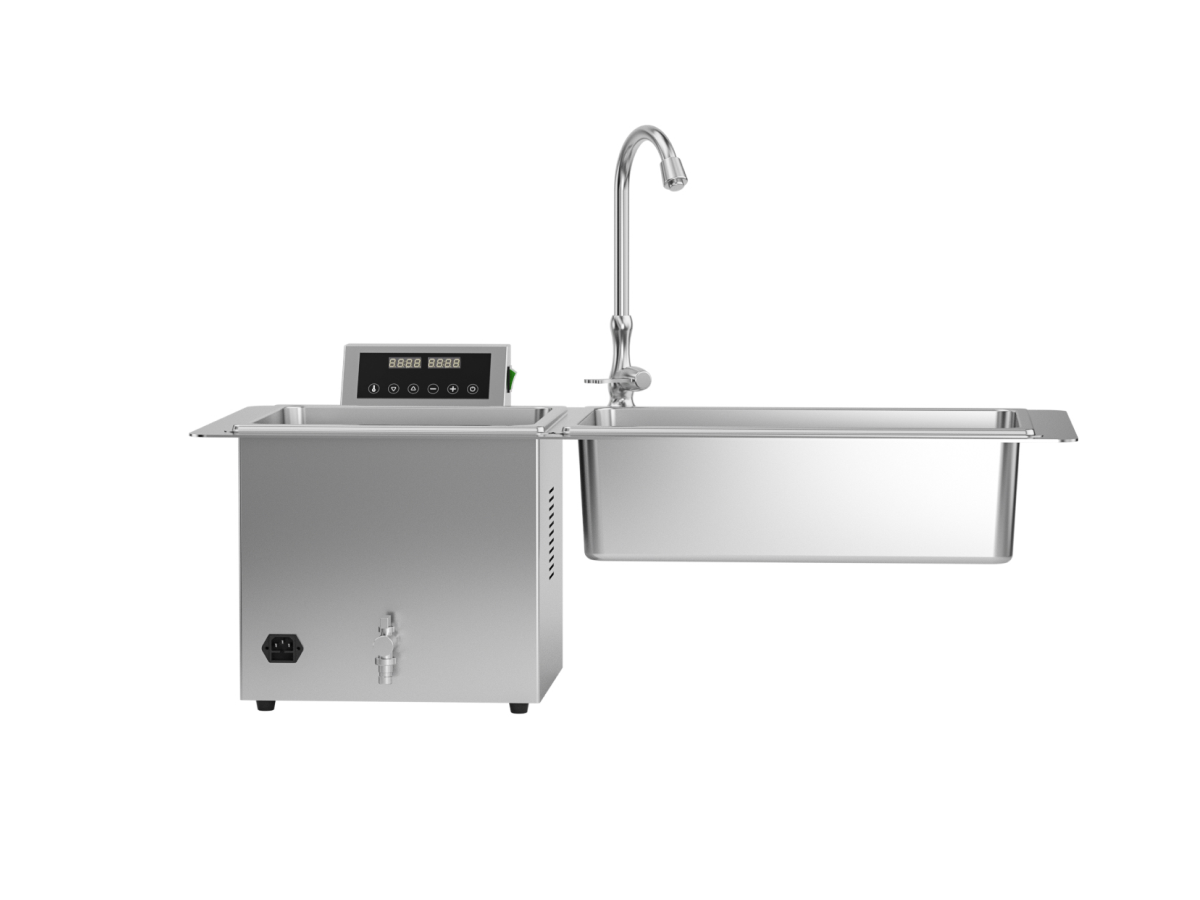
RUN-CQ1320 Ultrasonic Cleaner
Ultrasonic cleaner with 13 L / 20 L capacity options, listed power of 180 W and frequency of 40 kHz. Confirm the tank configuration for the selected option.
View CQ1320 Details →Request CQ1320 Information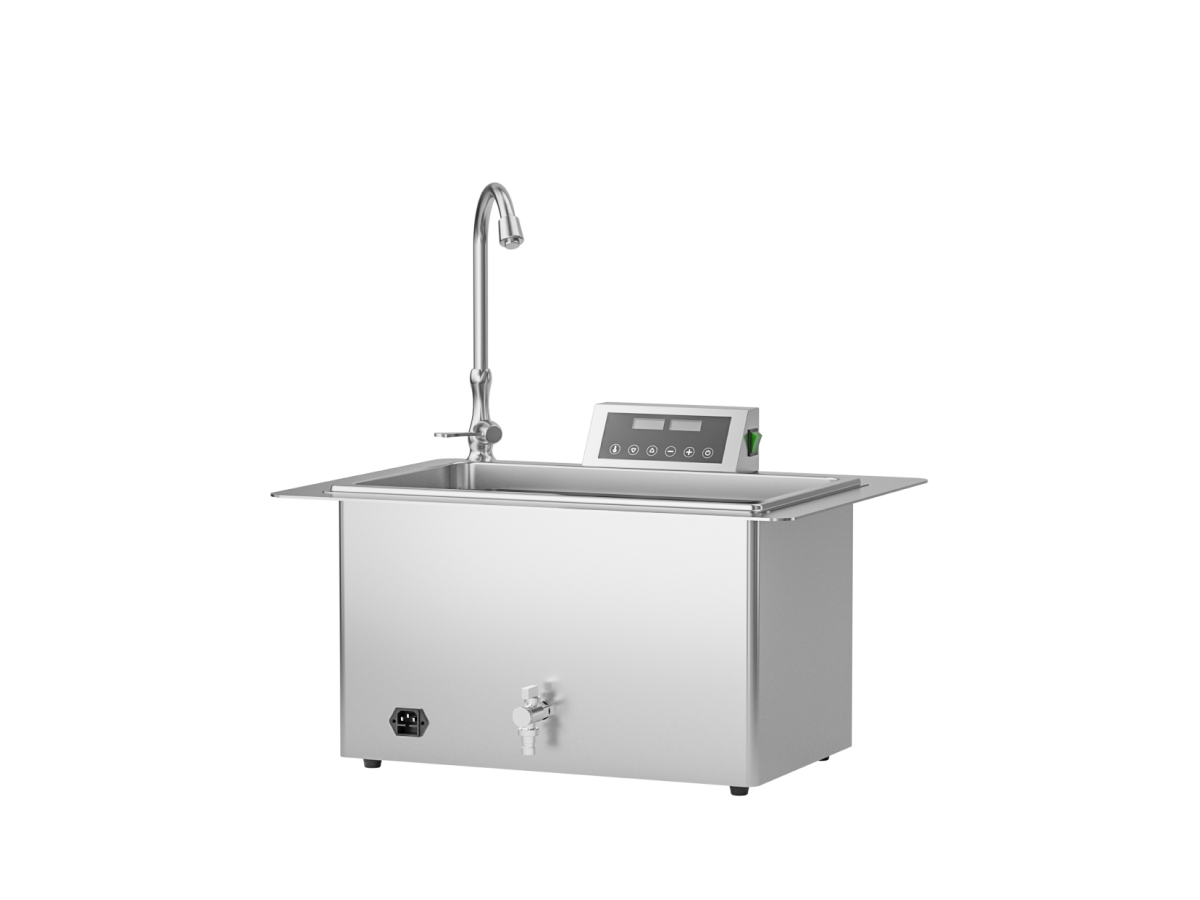
RUN-CQ2000 Ultrasonic Cleaner
20 L ultrasonic cleaner with listed power of 180 W and frequency of 40 kHz. Check usable tank dimensions and basket fit for your workflow.
View CQ2000 Details →Request CQ2000 InformationEXPLORE THE RANGE
Lubrication Machines
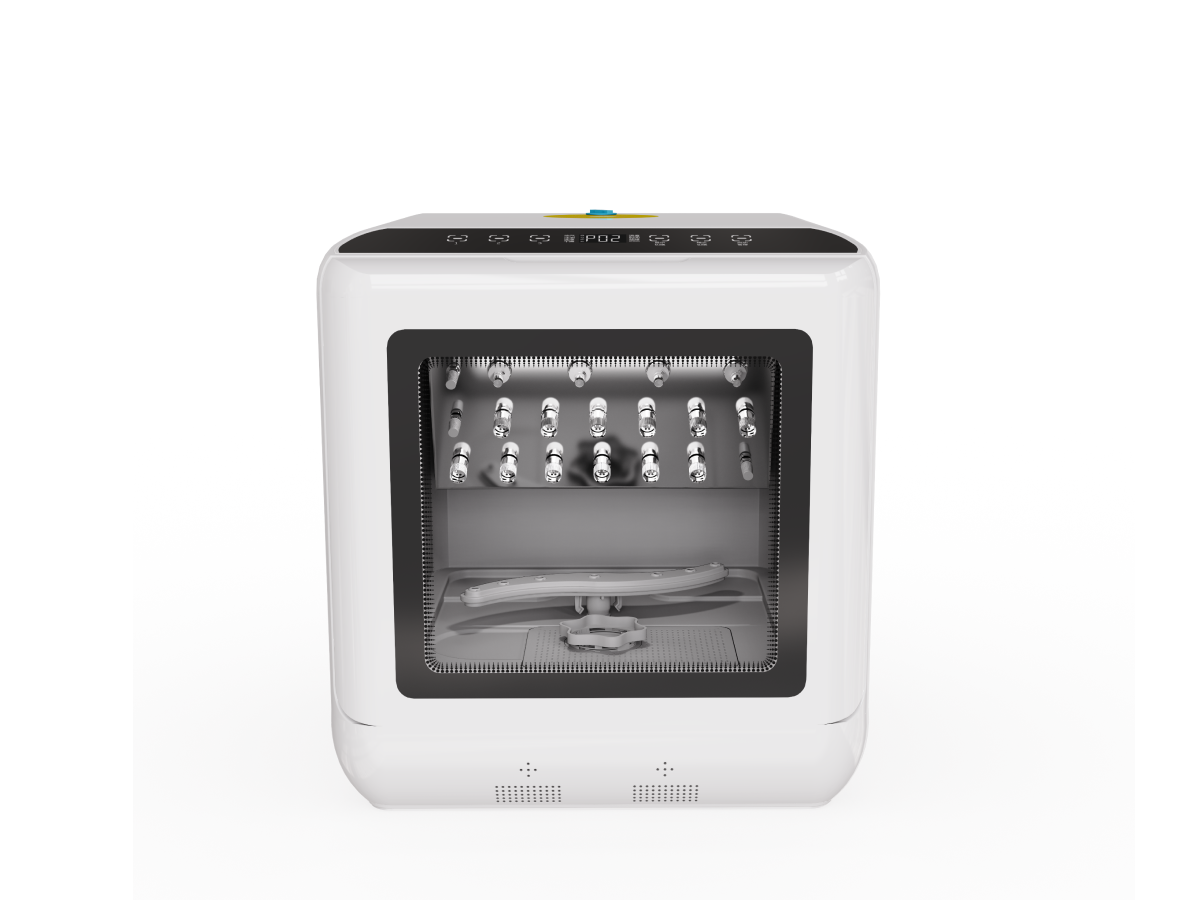
RUN-QZ350 Automatic Handpiece Lubricator
Automatic handpiece lubricator. Overall dimensions are 436 × 460 × 460 mm; the listed installation size is 450 × 465 × 465 mm. Review handpiece connector compatibility.
View QZ350 Details →Request QZ350 InformationEXPLORE THE RANGE
Sealing Machines
Compare printing, sealing and automatic cutting functions. Include pouch material, width and workflow requirements when requesting a configuration.

RUN-F150 Printing & Sealing Machine
Sealing width: 12 mm. Packing size: 615 × 310 × 270 mm.
Packing size refers to the package, not the machine footprint.
Request RUN-F150 Information
RUN-F200 Automatic Pouch Sealer & Cutter
Functions: Automatic sealing / cutting.
Request RUN-F200 Information
RUN-F100 Pouch Sealer
Packing size: 450 × 340 × 260 mm.
Packing size refers to the package, not the machine footprint.
Request RUN-F100 InformationCheck Chamber Size and Installation Space
A capacity such as 18 L or 23 L is a starting point, not a complete fit check. Send both the load dimensions and the available installation space.
- Nominal capacity
- Use the capacity to shortlist models; also request the permitted load and tray arrangement for the exact version.
- Chamber and tray dimensions
- Request chamber diameter and depth, usable tray dimensions and tray spacing. Compare them with the longest packaged instrument or cassette.
- Cabinet and installation space
- Send the available width, depth and height. Request a dimension drawing showing axis order, door-opening space, ventilation and service clearances.
- Water and electrical connections
- Provide site power, plug and water/drainage conditions. Check the connection requirements for the quoted configuration.
Which Program Information Should You Request?
Give RUNDA the intended items, packaging condition and expected workload. Request the program table and operating manual matched to the quoted model and version, and review them against the item manufacturer’s processing instructions.
- Check the listed load types and loading limits for the intended program.
- Distinguish holding time, drying time and total cycle time when comparing throughput.
- Confirm that the manual and program table identify the version being quoted; a similar display or model name is not enough.
For example, the 8A page lists holding and drying times separately. Adding these two values does not give the complete cycle duration. Request the cycle information for the intended load before planning daily batches.
Request Documents for Your Selected Configuration
You do not need to know every parameter before contacting us. Send the information you have, identify what is still undecided and ask for the documents needed to compare your shortlisted models.
- Model and version
- Capacity, control-method preference and quantity; for an existing unit, add nameplate and panel photos.
- Intended load
- Item type, packaging, largest item or cassette dimensions and expected batches.
- Installation and market
- Available space, power and plug, water/drainage conditions, destination country and required documents.
Documents to request
- Configuration data sheet and quotation listing the selected options
- Chamber/tray dimensions and installation drawing
- Matching operating manual, program table and maintenance information
- Documents applicable to the named model and destination market, with their scope identified